Ricing i3
2026-01-21
Saying good bye to GnomeRecently I updated my laptop to Fedora 43 and it broke all the Gnome extensions which made it usable, basically I had my workflow where I set it up like my old i3 config. Since it broke it resulted in my computer being unbearable, I know cry me a river. But recently I had some spare time due to being ill to dust off my old i3 config and give it a new lease on life.
I am very happy with the results to be fair, it is kinda annoying how lazy I got which resulted in me stopping using i3 in the first place. Here is a list of some of the main reasons of why I stopped using it in the first place: no built in settings management, screen tearing, or a bar displaying basic information.
I’ve now fixed these “issues” I’ve listed above by creating a custom rofi script to manage settings: it handles bluetooth, network, audio, and powering off my machine. Then I configured picom to stop the screen tearing which use to drive me crazy. Lastly I setup polybar to show my work spaces on the left, time of day in the middle, and on the right some basic information like my battery percent. I think it looks pretty decent, here is a preview of the setup:
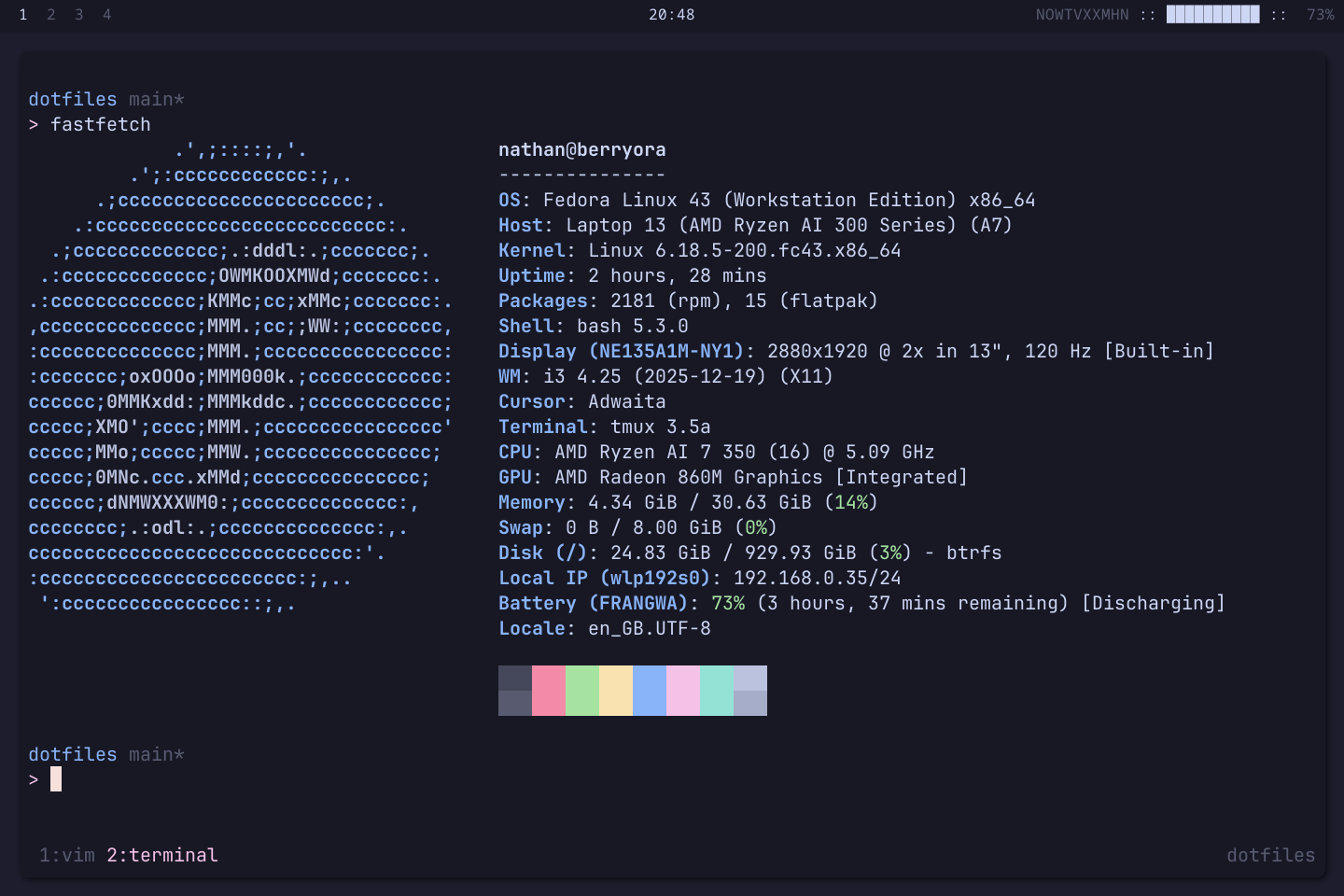
I must admit I have really enjoyed ricing my config, I think setting up everything to work how you want to is a great experience. When using a window manager it feels how computers should just work, when compared to the average desktop experience. If you’re interested in my current config and setting up something like this yourself here are my dotfiles.
Thanks, Nathan.
To keep up with my latest content subscribe to my RSS feed